Step 2: What Top Ranking Pins Are Doing
Hopefully, your prompt has included a “What Top Ranking Pins Are Doing in your niche”. This is important as some niches will hold different values according to its target market.
If not, copy the text below into the ChatGPT prompt area.
Take note of this before you make the pins.
Here’s what’s actually working on Pinterest right now:
1. Clear Problem-Based Titles
2. Bold, Simple Visuals (CRITICAL)
3. Curiosity Hooks
4. Volume + Variations
5. Consistency + Longevity
Pro Note: Pinterest pins can rank for months or years, compounding traffic over time. This is why your 90 pins = HUGE leverage
Step 3: Stop All The Confusion
ChatGPT can get a tad carried away, especially when creating bulk Pinterest pins.
At this point, I will type in… and you can use this prompt:
“This is getting confusing. Please restart with the information we have but just give me the pins written out in this format:
Day 1:
Title =
Description =
Then I will ask for the pin images one by one.
Now you should get something a little more digestible.
Something a little more like this:
 Day 1
Day 1
Title = How To Make Money Online For Beginners (Step By Step)
Description = Learn how to make money online for beginners using a simple step-by-step system. Perfect for anyone starting from home with no experience and looking to build an online income.
Title = This Changed Everything For Me… (Online Income)
Description = This changed everything for me when it comes to making money online. Discover the simple method most beginners overlook and start earning from home.
Title = Start Making Money Online For Just $7
Description = Start making money online with a beginner-friendly system that costs just $7. Learn how to earn commissions while you learn using a simple method.
This is the first day’s pins… You should get a list of about 30 pins, and then you will have to ask ChatGPT to continue.. you will have to do this a few times to get all 90 pins, or 30 days worth.
Step 4: Find Your Pin Style Including Colors.
There is an easy way and there is a hard way to do this.
So ill just tell you the easy way.
Go to pinterest.com and type the niche you are in into the search bar.
Find pin styles you like and that have lots of impressions or clicks. Save these images to your computer.
About 3 pins is a good amount.
Now go back to ChatGPT and open a new chat.
In that chat, upload or attach the 3 pins you liked the look of, and type this prompt:
I need to make my own style or brand of pin. I like the look of the 3 pins I have uploaded.
Make me a design similar in style but not the same. for Day 1, Pin 1.
(Insert your day 1 like I have below)
Title = How To Make Money Online For Beginners (Step By Step)
Description = Learn how to make money online for beginners using a simple step-by-step system. Perfect for anyone starting from home with no experience and looking to build an online income.
ChatGPT will now make you up a design similar to the ones you uploaded, but with the details you have used for day 1.
Once the pin is created, I suggest altering the image to the way you want it to look. Once you are happy, use this as a final pin theme.
I have about 3 or 4 different themes I use. This way, the pins don’t look too identical.
Another Read: Best Colors To Use On Pinterest
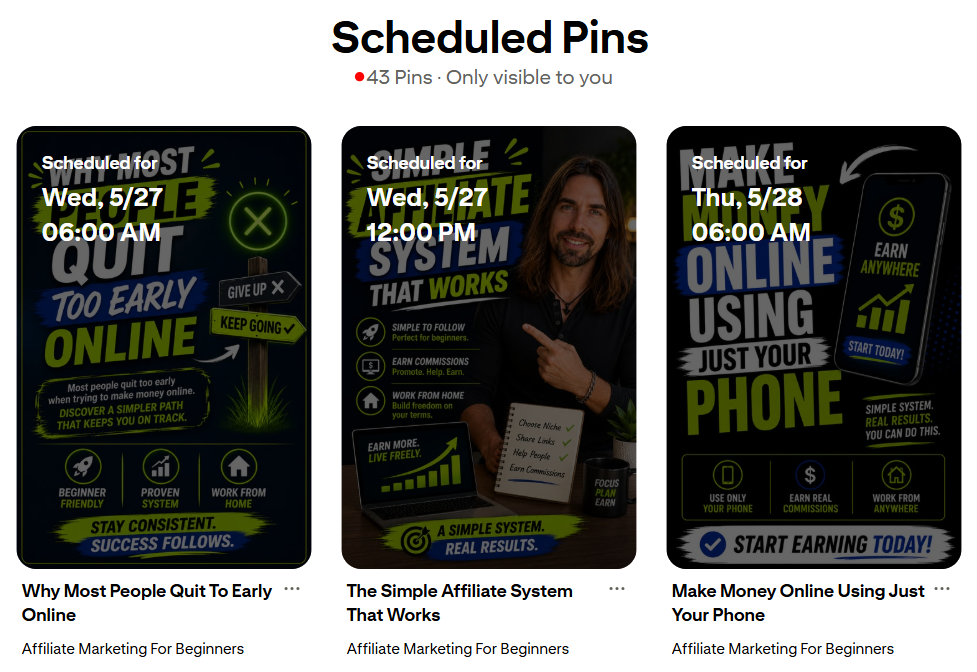
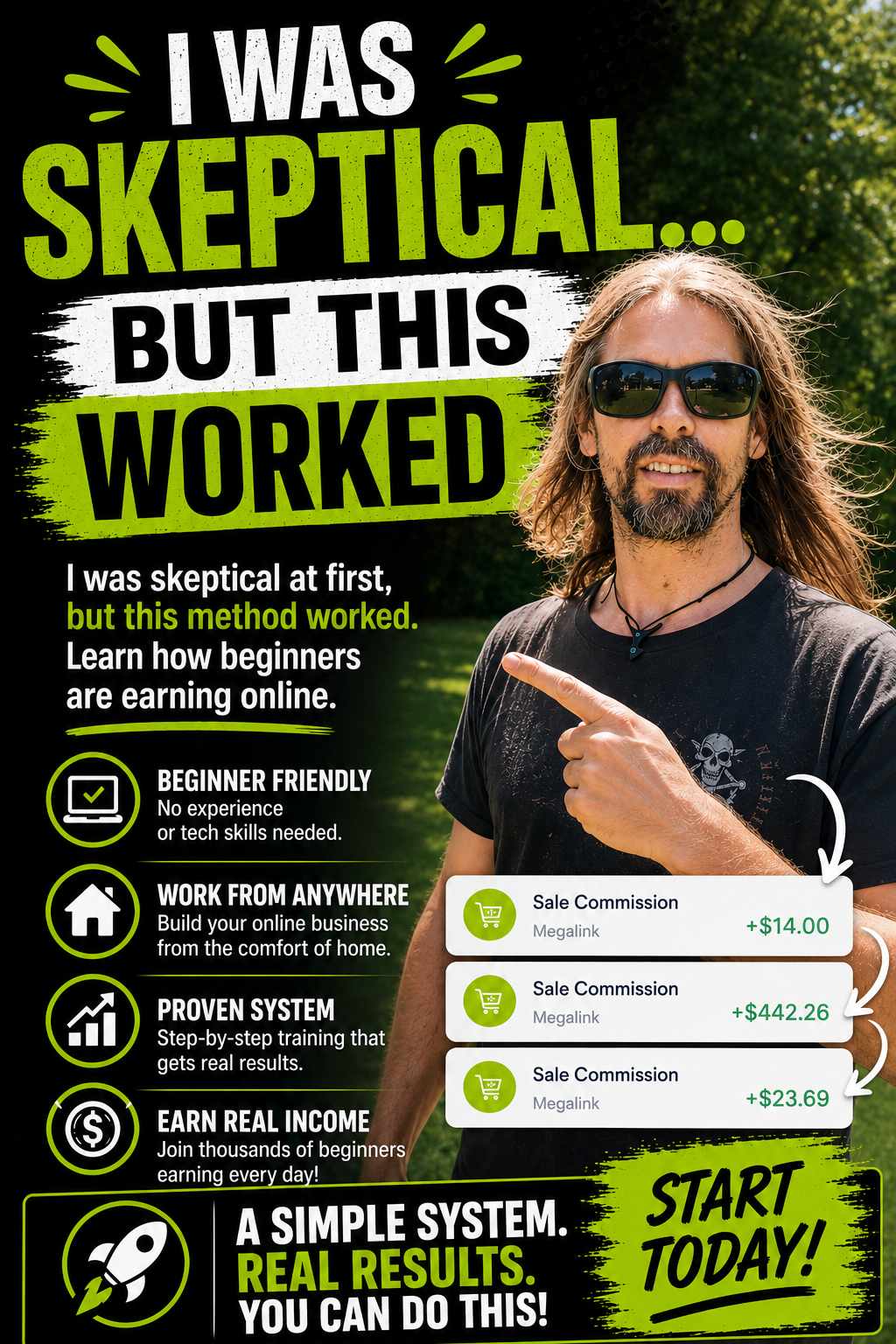
My Example Pinterest Pins
Making The Images One At A Time
Now that you have a bulk list of Pinterest pins using ChatGPT, it is time to make the images and upload them to Pinterest to release on autopilot.
I suggest making one pin, then uploading, filling in the pin information, and scheduling. Then move on to the next one.
I will also suggest mixing up pin themes every so often as this adds a little variation between pins.
Pro Note: Don’t be shy to tell ChatGPT to add or remove parts of the images you don’t like. Sometimes the images can start getting cluttered.
Uploading and Scheduling Bulk Pinterest Pins
Start on Day 1, make the first pin, upload to Pinterest, and pick a day and the time you want to start releasing them.
I schedule 3 pins per day, and the times I like to have them published are:
- 6am (Morning)
- 12pm (Afternoon)
- 6pm (Evening)
You can make your own schedule, but I would recommend auto-publishing at least once per day; however, more is better.
Why I Make Bulk Pinterest Pins?
The reason I make bulk Pinterest Pins is to get ahead and free up more of my time, while my business is still growing.
It means I can concentrate on other areas of my business, and still have my Pinterest account growing, bringing in clicks and commissions.
Using tools we have available to help us is crucial for faster progress and growth… Use them!
Reasons To Make Bulk Pinterest Pins
- It saves time if you batch-create more than one pin.
- You can get ahead and know your Pinterest account is growing on autopilot.
- You can spend more time in other areas of your business.
- You can spend more time doing things you love to do, knowing you are still growing online.
- Increases the Pinterest algorithm when you post consistently.
All in all, creating bulk Pinterest pins using ChatGPT is a winning solution for many reasons.
It is also free!
My Summary
I hope this guide has helped you in creating bulk Pinterest pins that you can schedule on Pinterest.
By doing this, we can get weeks or even months ahead with pins, which allows us to focus our attention on other areas of life or business.
My apologies if this guide got a little confusing. I think I’ll make a YT video on this as it will be easier to guide in person. I will link to this blog when I have.
As always, any questions, please do reach out or comment below.