In this guide, I’m going to show you the best free website audit tools available online today. I’ll break them down, explain what each one does, and help you pick the right ones to keep your site optimized, fast, and search‑engine friendly.
A solid website audit gives you insight into your site’s health, performance, SEO friendliness, and much more.
Let’s dive in.
What Is A Website Audit And Why It's Important
Before jumping into tools, let’s make sure we understand what a website audit really is.
A website audit is basically a detailed check‑up of your website’s health. Think of it like taking your car to the mechanic, except the “engine” is your site’s SEO, performance, and user experience.
Doing regular website audits helps you:
- Find SEO issues that are holding you back in Google rankings
- Identify performance problems that slow down your load times
- Spot security risks before they become a problem
- Fix broken links, sitemap issues, mobile usability problems, and more
In short, a good website audit pinpoints what’s working AND what’s not working so you can take action and sort any issues.
The Best 8 Free Website Audit Tools
Below are 9 of the top website audit tools that can be used for free, however some do have URL crawl limits and only show limited data.
#1: Google Search Console
If you only use one free website audit tool, make it Google Search Console (GSC).
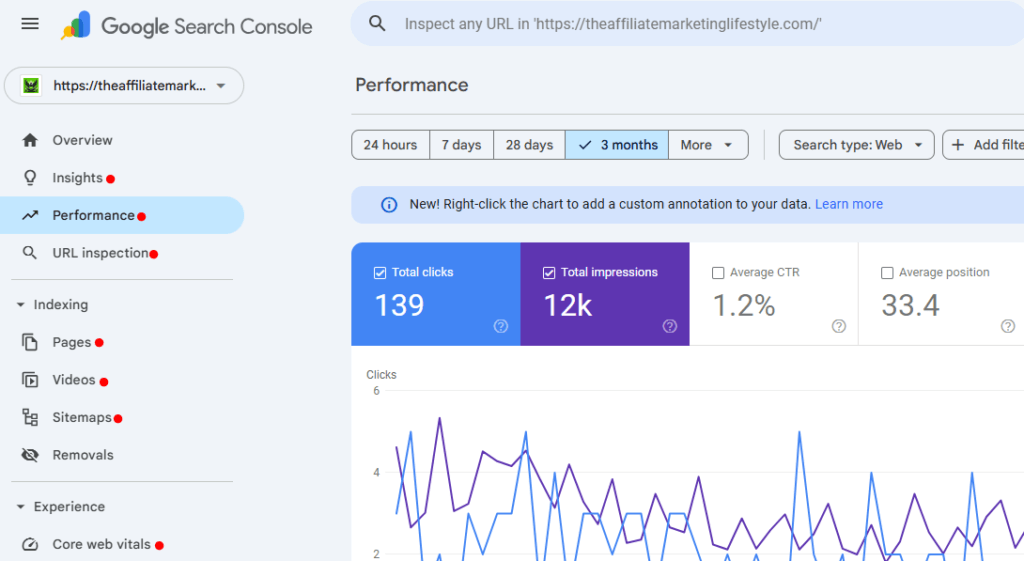
GSC is a powerhouse because it’s straight from Google itself. It gives you real data on how Google views your site, what keywords your pages rank for, indexing issues, and more.
What you get with Google Search Console:
- Index coverage reports – see which pages are indexed and which have errors
- Search performance data – CTR, keywords, impressions, positions
- Mobile usability reports
- Security & manual action alerts
- URL inspection tool
Google Search Console is one of the most important free tools for any serious website owner because it shows exactly how Google sees your website. No guessing. No estimates. Real data.
#2: Lighthouse Via Google Chrome
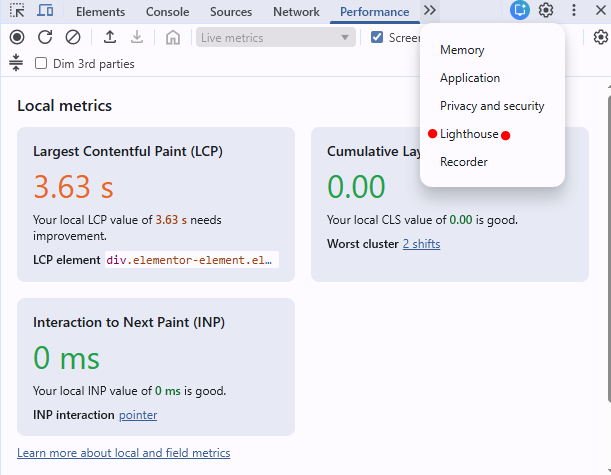
Google’s Lighthouse is a built‑in audit tool available in Chrome that gives a deep snapshot of your site’s performance, accessibility, SEO, and more.
Just open Chrome, go to DevTools → Lighthouse → Generate report.
Things Lighthouse analyzes in your website audit:
- Page performance (Core Web Vitals)
- Accessibility score
- Best practices
- SEO fundamentals
- Progressive Web App checks
Pro Tip: Lighthouse is especially useful if you want technical insights without having to log into a separate dashboard. It’s fast, free, and incredibly informative.
#3: Ahrefs Webmaster Tools - Free SEO & Website Audit
Ahrefs is known for its premium SEO suite, but Ahrefs Webmaster Tools (AWT) gives you a free website audit and SEO analysis valuable for site owners.
With AWT, you can:
- Scan your entire website for SEO issues
- See backlink data
- Track keyword rankings
- Access site health scores
- Get suggestions for improvements
Note: While the free plan has limitations compared to Ahrefs’ paid tools, the site audit part alone is worth it, especially for smaller websites.
4#: Semrush Website Audit (Powerful But Limited)
Semrush is another top SEO framework, and their free site audit tool gives you a solid snapshot of your website’s health… perfect for beginners.
What you’ll get in a free Semrush website audit:
- Crawlability issues
- Broken pages
- On‑page SEO issues
- Page health scores
- Recommendations to fix problems
Note: You do have a crawl limit on the free tier, but it’s still a great way to start uncovering SEO, performance, and usability issues fast.
#5: Screaming Frog SEO Spider Tool (My Personal Favorite)
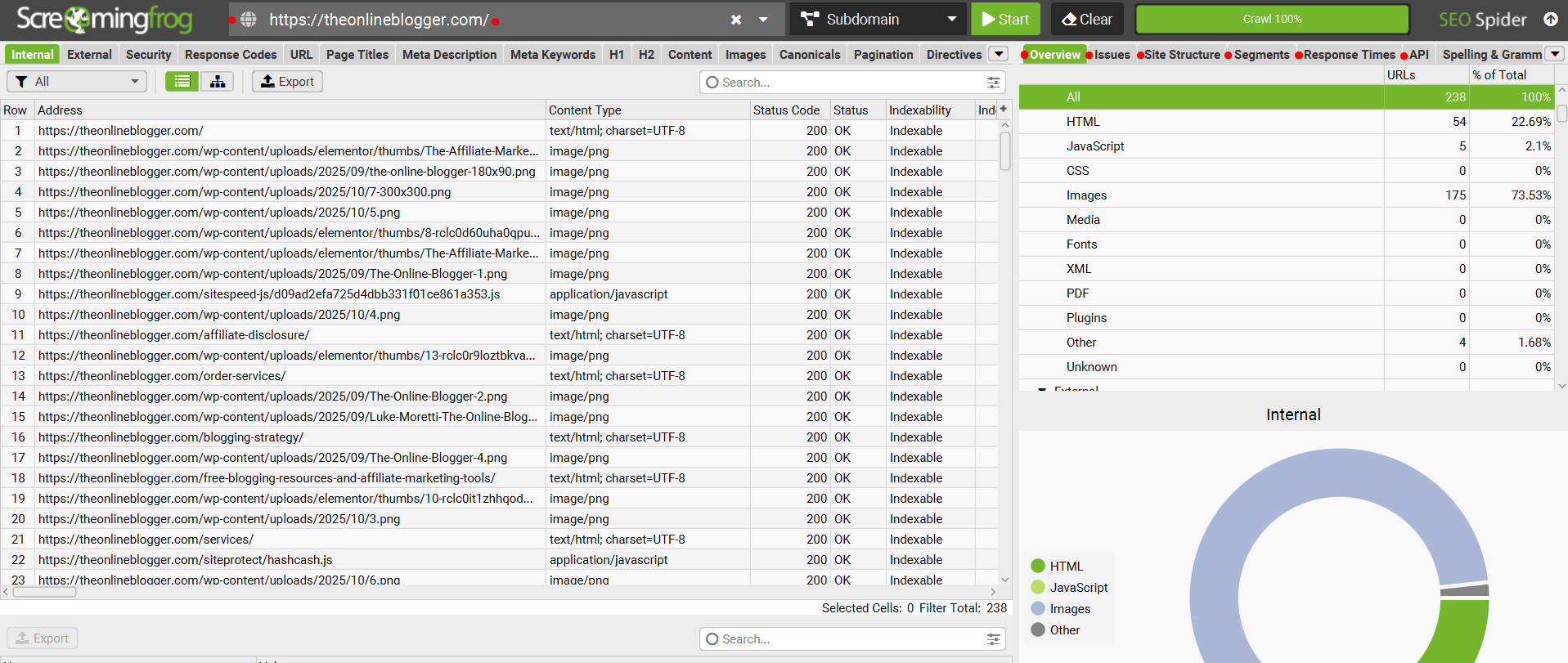
Screaming Frog is a desktop‑based crawler that’s amazing for technical website audits.
The free version helps you discover:
- Broken links (404s)
- Duplicate content
- Redirects
- Metadata issues
- XML sitemap generation
Pro Tip: While the free version is limited (500 URLs per crawl), it’s still one of the most powerful tech‑oriented website audit tools available for free
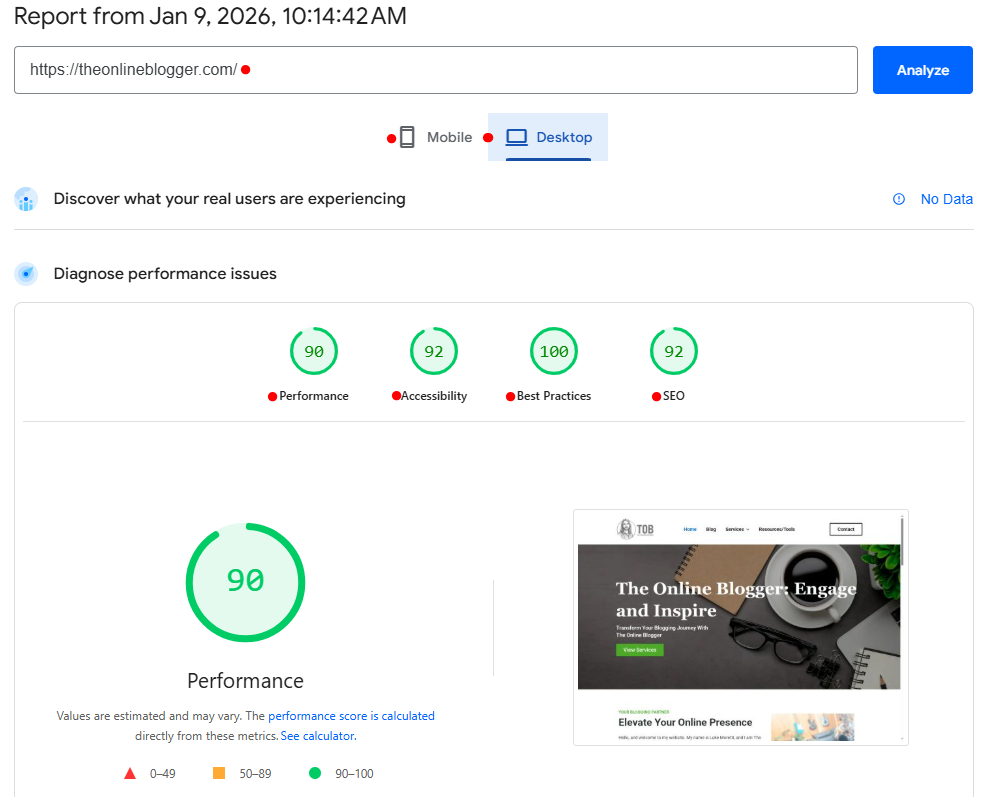
#6: Page Speed Insights - Google's Speed Check Tool
Another free tool from Google, Page Speed Insights, is a staple in website performance audits.
What Page Speed Insights shows:
- Mobile and desktop performance scores
- Core Web Vitals metrics
- Suggestions to improve speed
Note: Google Page Speed Insights is perfect for a quick performance‑focused website audit.
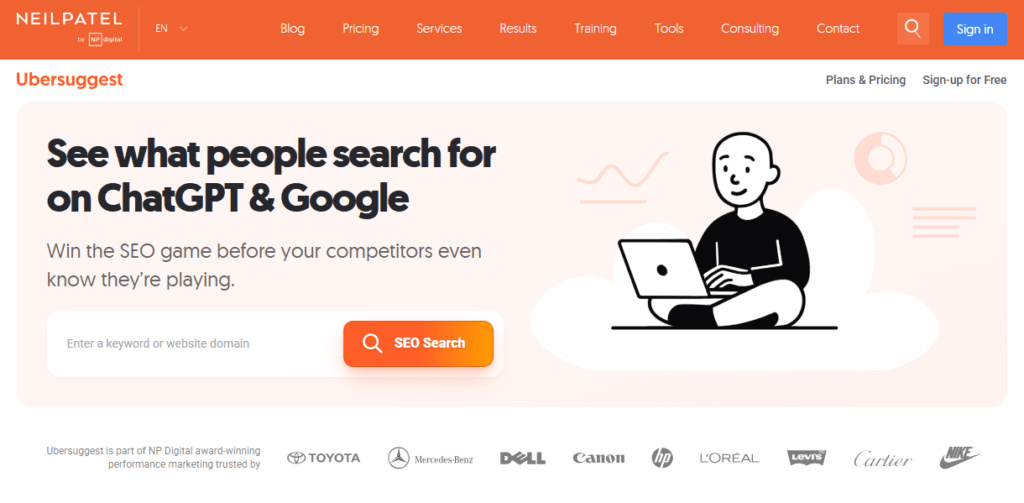
#7: Ubersuggest Website Audit
Neil Patel’s Ubersuggest has a free website audit feature that’s simple to use and extremely informative.
The free audit includes:
- SEO recommendations
- Site speed analysis
- Backlink overview
- Keyword rankings
It’s beginner‑friendly and a great way to jump into site auditing without feeling overwhelmed.
Pro Tip: If you need assistance or help using any of the audit tools, look for tutorials on YouTube… These are very informative and speed up the learning process.
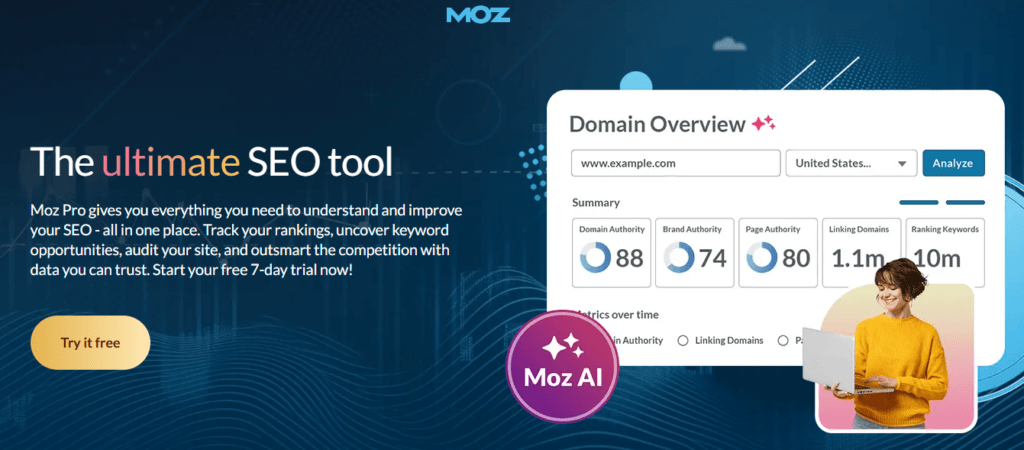
#8: Moz Free SEO Website Audit Tools - Simple Website Audits
Moz offers some free SEO tools that help with basic website audits.
This is a great place to start if you are new to auditing websites, as it is simple to use and only shows basic information.
With Moz tools, you can:
- Check domain authority
- Find backlink insights
- Explore keyword suggestions
While not a full website audit suite on its own, Moz, plus one of the other tools in this blog, creates a solid free stack.
What Makes The Best Website Audit Tools?
There are tons of tools out there, but a good website audit tool should check for several key things:
Core factors a good website audit tool should analyze:
- SEO essentials: titles, meta descriptions, keyword usage
- Performance metrics: load time, page size, rendering issues
- Mobile usability: responsiveness on mobile devices
- Security checks: HTTPS, certificate issues
- Technical issues: broken links, sitemap errors, structured data
- Server & crawlability insights: robots.txt, indexing status
Not every free tool includes all of these features… however, you can combine these website audit tools to extract all the information you need from your website.
How To Combine Website Audit Tools For Best Results
No single tool will catch every issue… and that’s totally normal.
Each tool focuses on a specific slice of your website’s performance, SEO, or technical structure. That’s why combining multiple website audit tools gives you a much clearer, more complete picture of what’s going on behind the scenes.
By using a mix of tools, you’re covering:
- What Google sees
- How users experience your site
- What’s slowing your pages down
- What’s broken or needs fixing
- How your SEO efforts are paying off
 Suggested Website Audit Workflow (Free Tools)
Here’s a solid step-by-step audit flow using only free tools:
- Google Search Console – Check indexing, crawl errors, search traffic, keyword rankings, and any manual actions. This is your direct line to how Google interacts with your website.
- Lighthouse & PageSpeed Insights – Analyze page performance, Core Web Vitals, accessibility, and essential SEO checks. Great for quick insights into speed and user experience.
- Ahrefs Webmaster Tools – Use this to crawl your site for SEO errors, track backlinks, and get an overall “health score” of your site. Their keyword and backlink data are incredibly useful.
- Screaming Frog (Free Version) – Do a technical crawl of your site. Find broken links, redirects, duplicate content, missing metadata, and generate XML sitemaps.
Each tool offers its own strength:
- GSC is your diagnostic report from Google.
- Lighthouse + PageSpeed Insights give UX-focused performance grades.
- Ahrefs shows you SEO and authority factors.
- Screaming Frog uncovers deep, hidden technical issues.
 Pro Tip: Run these website audits at least once a month. You’ll spot problems before they tank your traffic or search rankings.
This combo gives you a full-circle view of your website’s health, visibility, and performance, and best of all, it won’t cost you a penny.
Final Thoughts On These Website Audit Tools
Website auditing doesn’t need to be expensive. With the tools listed above, you can get a detailed and actionable audit of your site… all without paying a cent.
Here’s a quick recap of what we covered:
- A website audit helps you check your site’s technical health, SEO, and performance.
- Tools like Google Search Console and Lighthouse are free and incredibly powerful.
- Combining several tools gives you the most complete picture.
- Regular audits help you stay ahead of problems that could hurt your rankings and your traffic.
If you stick with these free website audit tools and actually act on the recommendations they give you, you’ll see improvements in website speed, SEO rankings, and overall site performance… guaranteed.
If you have any questions regarding website audits or would like to order a website audit through me personally, please check out my Website Audits page, or email me with any questions you have or to arrange a call.