If you’re a blogger, learning how to promote your blog on Pinterest is one of the smartest moves you can make to help grow your audience online.
Pinterest is a visual search engine that’s perfect for re-purposing your blog content, building brand awareness, and driving long-term traffic to your site.
In this blog, I will show you how to promote your blogs on Pinterest the right way, and I’ll also include a link to the best colors to use on Pinterest in 2026 blog.
Why You Should Promote Your Blog On Pinterest
Before we dive into the “how,” let’s talk about the “why.” Why is Pinterest a goldmine for bloggers, and how can it help?
- Pinterest is a search engine, not a social media app. That means your pins can live forever and bring long-term traffic to your websites, offers, or landing pages.
- Users come to Pinterest ready to take action. They’re actively looking for solutions, tutorials, and inspiration… perfect for blog content!
- Less competition than Google. Ranking on Google takes time and serious SEO work. Pinterest? You can start getting traction faster.
Regardless of what kind of website you have or the niche you are in, you can promote your blog on Pinterest and find your people.
How To Promote Your Blog On Pinterest
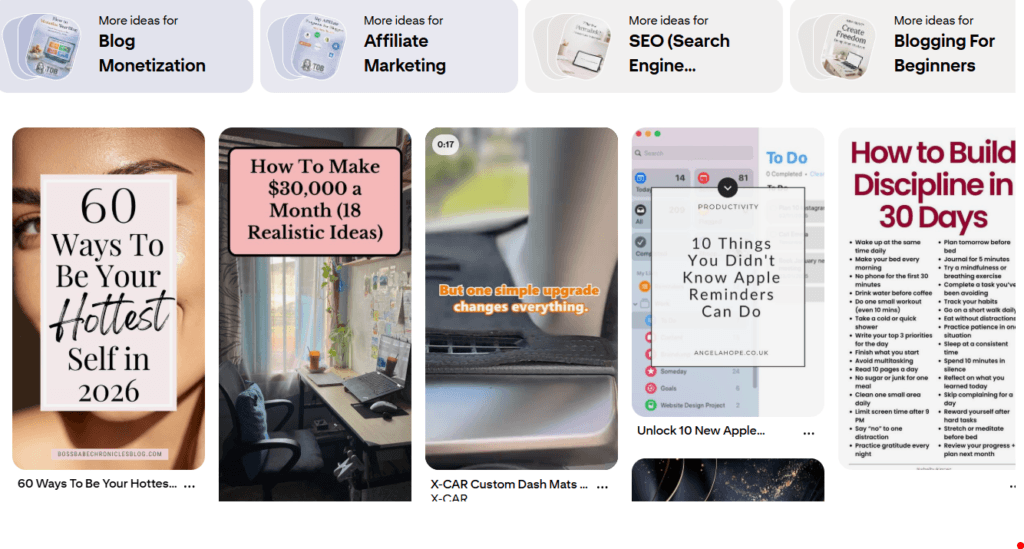
First things first… You need a Pinterest Business account, not a personal one. Why? Because it gives you access to analytics and rich pins, which are key for growth.
1: How To Create A Pinterest Business Hub
- Go to Pinterest for Business.
- Create a new account or convert your personal one.
- Claim your website.
- Enable rich pins (they pull in extra info from your blog posts automatically).
Boom… you’re officially set up and ready to promote your blog on Pinterest.
Design Eye-Catching, Click-Worthy Pins (Looks Matter On Pinterest)
Your pins are like your blog’s billboards. And if they’re ugly, messy, or unclear? People will scroll right past.
How to make Pinterest-friendly pins:
- Use vertical images (1000×1500 px) – tall pins perform best.
- Clear, bold text overlays – make your message pop.
- Stick to your brand colors and fonts for a consistent look.
- Use Canva (or similar) to create beautiful, on-brand pins easily.
 Pro Tip: Try 2-3 different designs per blog post. Pinterest loves variety.
Another Read: Best Colors To Use On Pinterest With High CTR
Optimize Your Pins Titles and Descriptions With Keywords
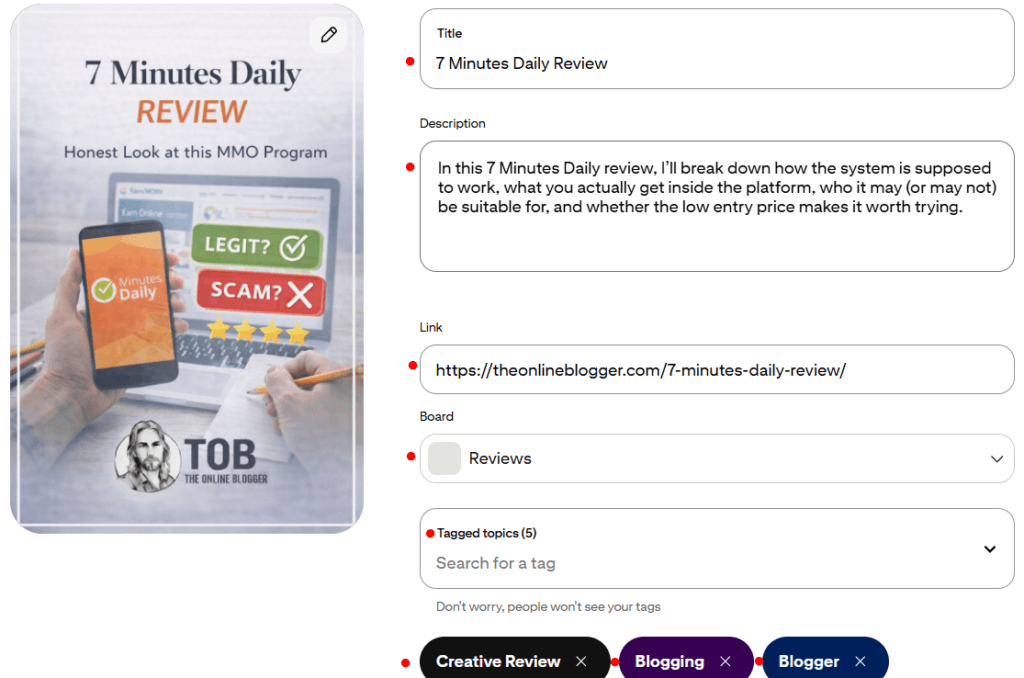
Pinterest is a visual search engine. So yes, you need to do keyword research. If you do not, your pins will not get found.
How to find keywords on Pinterest:
- Use Pinterest’s search bar and look at auto-suggestions.
- Check out what other popular pins in your niche are using.
- Think like your audience: What would you type if looking for your blog post?
- Include your focus keyword…like “promote your blog on Pinterest” in:
- Your pin title
- Your pin description
- Your board titles and descriptions
Warning: Don’t keyword stuff…keep it natural, but optimized.
Create Pinterest Boards That Match Your Blogs Categories
Organized boards help Pinterest understand your content and the order of your pins.
If you blog about productivity, don’t just create one “Blog Posts” board. Make multiple:
- Productivity Tips
- Morning Routines
- Time Management Hacks
- Blog Growth Strategies
And yes, create a board just for your blog posts! Call it something like “Best of [Your Blog Name]” and pin every new blog post there first.
Stay Consistent and Pin Daily
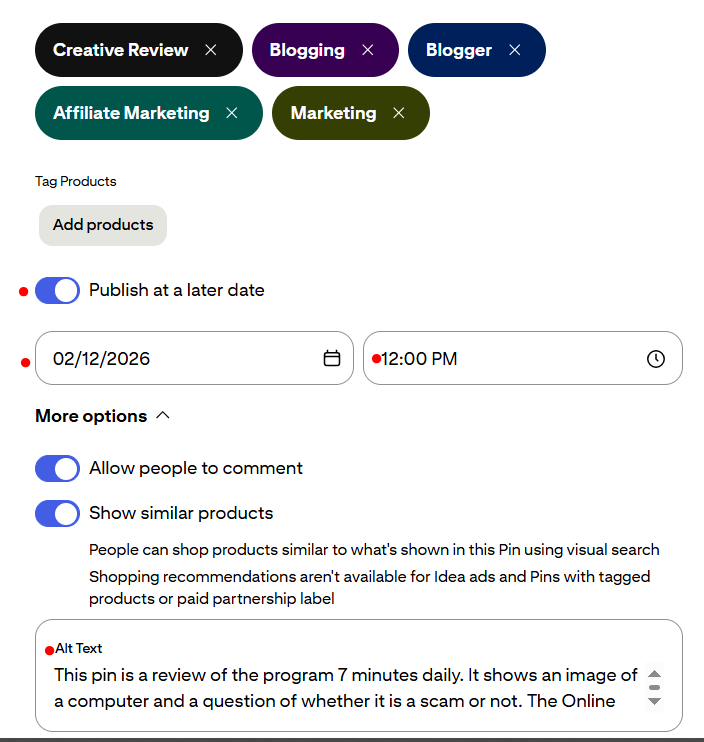
Pinterest loves consistency. You don’t need to be on the app 24/7, but you should aim to pin daily, fresh pins, ideally.
How To Schedule Posts Daily
- Schedule pins using Tailwind (Pinterest-approved tool).
- Use Pinterest’s native scheduler.
- Or do it manually if you prefer.
Goal: Aim for at least 3–5 fresh pins per day when you’re just starting out.
Common Pinterest Mistakes To Avoid When You Promote Your Blog On Pinterest
Here’s what not to do when trying to promote your blog on Pinterest:
❌ Only pinning once in a while
❌ Using blurry or low-quality images
❌ Ignoring keywords
❌ Not having a strategy
❌ Giving up too soon (Pinterest takes time!)
Remember: Pinterest is a long game. But it pays off big when you stick with it.
Quick Pinterest Promotion Checklist
Here’s a bite-sized summary of how to promote your blog on Pinterest.
These are the basics in Pinterest marketing and are my recommendations to all newbies starting on Pinterest
✅ Switch to a business account
✅ Claim your website + enable rich pins
✅ Create at least 10 niche boards
✅ Design vertical, branded pins (multiple per post)
✅ Use keywords in titles and descriptions
✅ Pin consistently (schedule if needed)
✅ Use Idea Pins occasionally
✅ Track and tweak based on analytics
My Advice: Batch create multiple pins at a time. Spend a few days making 90 pins. Then you can schedule to auto-publish over the month… That’s 3 pins per day for 30 days.
Final Thought To Promote Your Blog On Pinterest
When used right, Pinterest can become your blog’s #1 traffic source… without constantly churning out content or battling Google’s algorithm.
If you take the time to create high-quality pins, optimize with keywords, and stay consistent, you’ll see results. It won’t be overnight, but it will be worth it.
So if you’re looking for a smart way to promote your blog on Pinterest, now’s the time to dive in. The platform is still massively underrated, and that’s good news for bloggers like you and me.